Steps
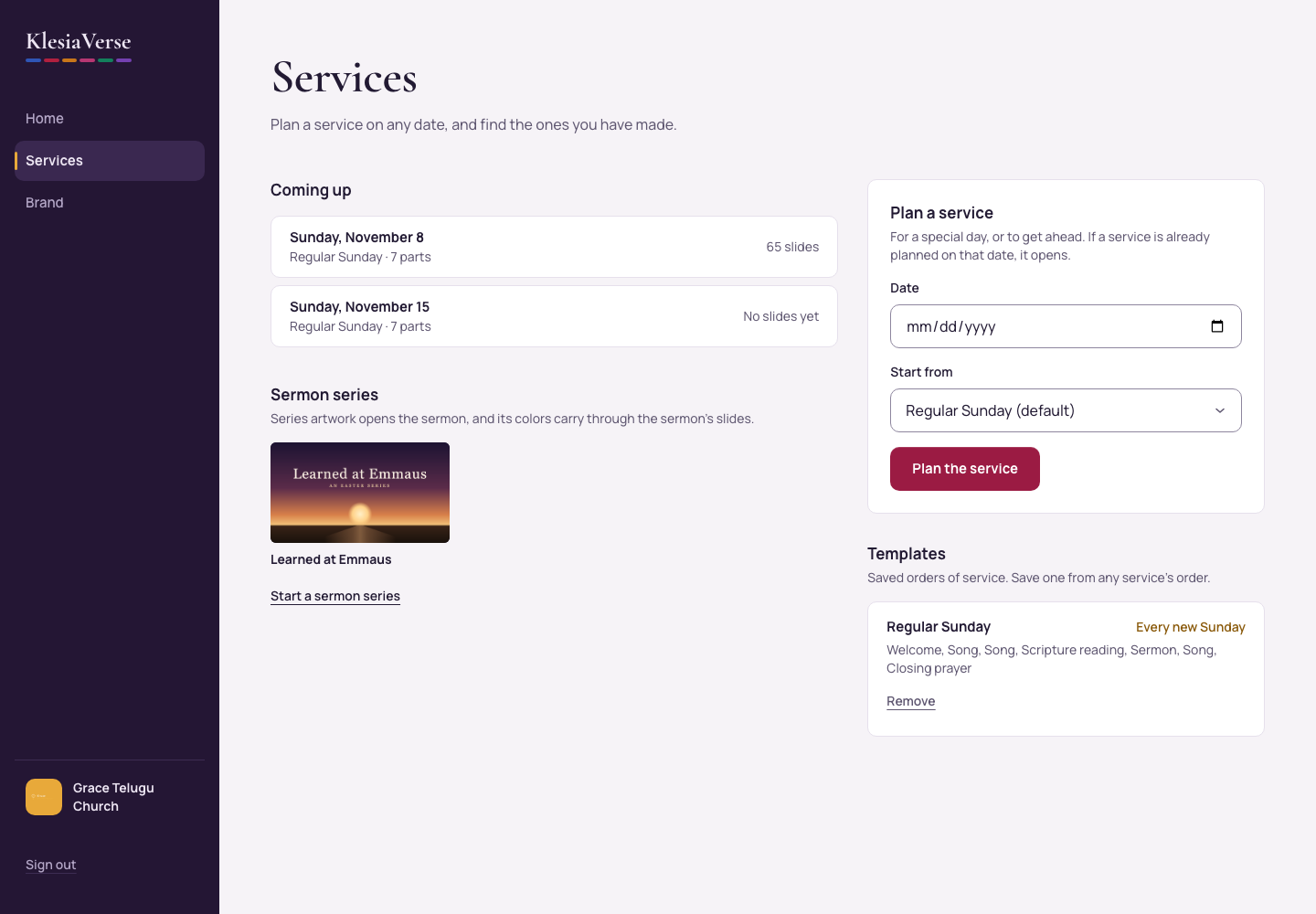
Choose Services in the menu.
In Plan a service, choose the Date.
Under Start from, choose The usual order or one of your templates.
Choose Plan the service. It opens, ready to fill in.
Good to know
- If a service is already planned on that date, it opens instead of making a new one.
- Your services appear under Coming up, and earlier ones under Past services.
Still stuck? Write to hello@khairotech.com and we’ll help.