Steps
Open the Download page: on the Slides page, choose Download.
Choose the download for the software on your church computer, using the guide below.
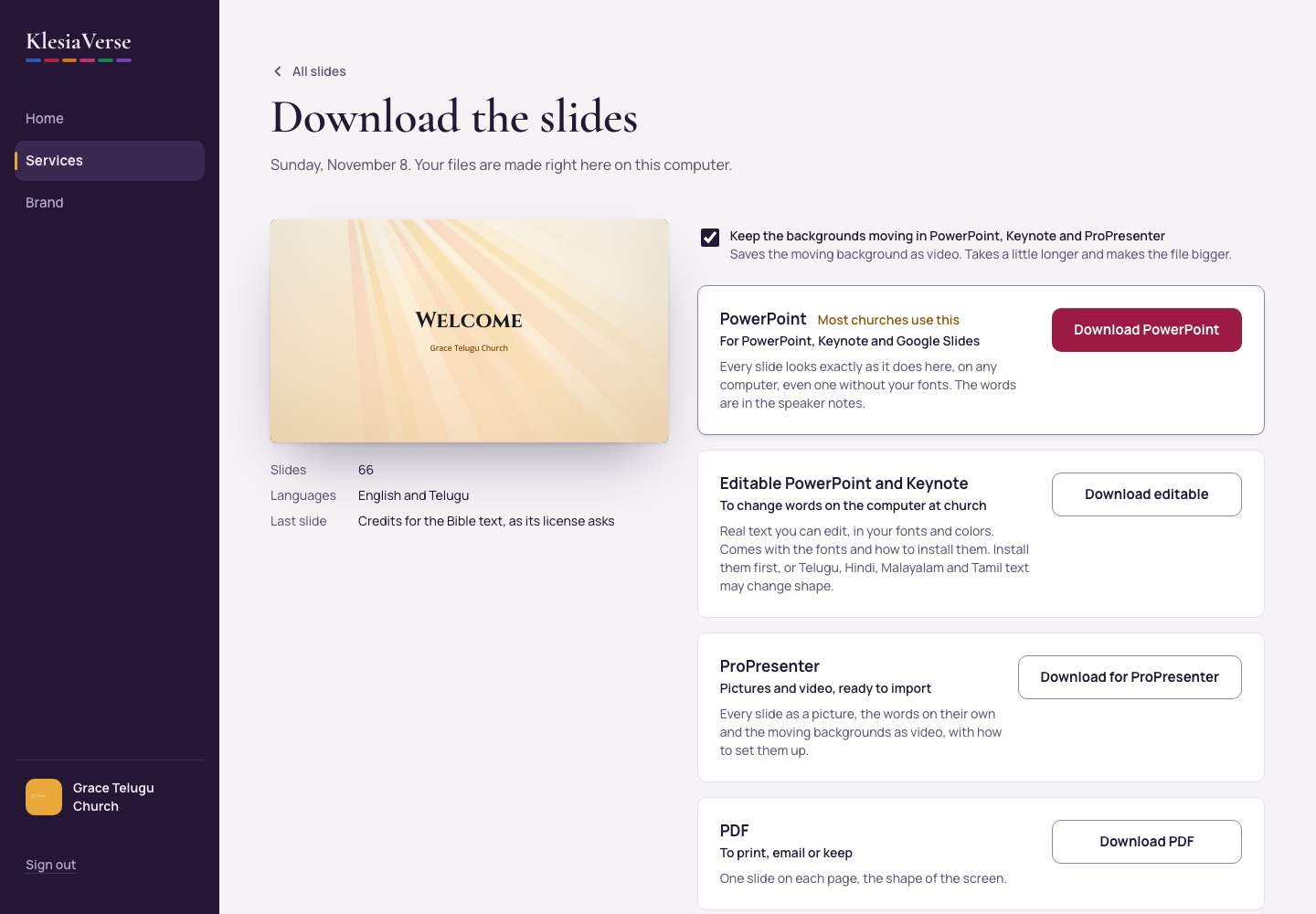
PowerPoint, Keynote or Google Slides?
Choose Download PowerPoint. Every slide looks exactly as it does in KlesiaVerse, on any computer, even one without your fonts.
Need to change words on the church computer?
Choose Download editable. You get real text in your fonts, plus the fonts and how to install them.
ProPresenter?
Choose Download for ProPresenter.
OBS, vMix or another livestream tool?
Choose Download pictures.
Printing or emailing?
Choose Download PDF.
Good to know
- Your files are made right on your computer. Nothing is uploaded.
- Every download ends with a credits slide for the Bible text, as its license asks.
Still stuck? Write to hello@khairotech.com and we’ll help.