Steps
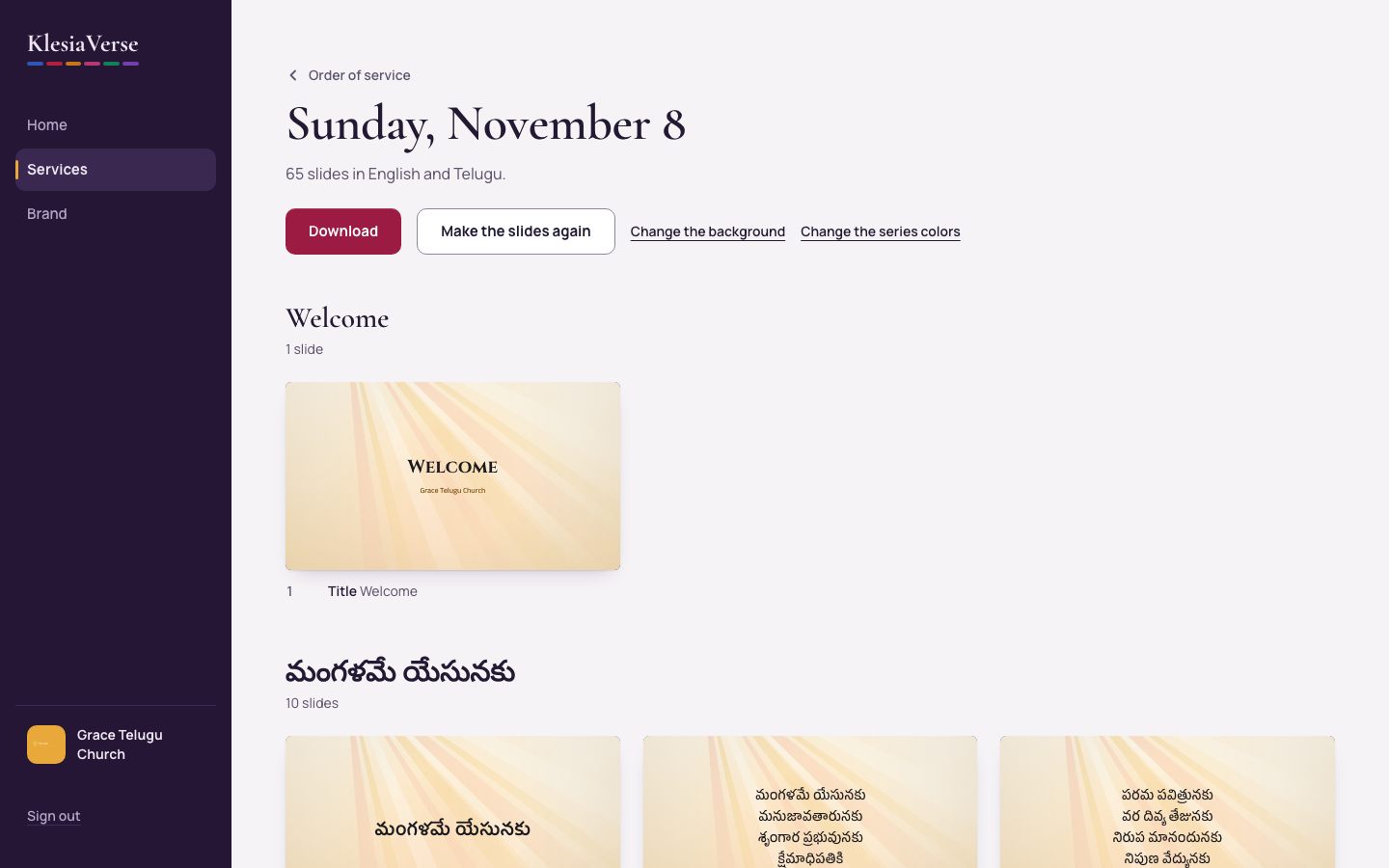
In the service, choose Make the slides.
Look through the slides, grouped by part of the service.
If a red box says a slide has text that is too long, choose the slide named in it. Its card also says Text too long.
Shorten the words in the slide editor until the warning goes away, then choose Save this slide.
For a song, you can instead choose fewer Lines on each slide, then Make the slides again.
Good to know
- After changing anything in the service, choose Make the slides again. Slides you have edited are kept exactly as they are.
- Edited slides show a small padlock and the word Edited.
Still stuck? Write to hello@khairotech.com and we’ll help.