Steps
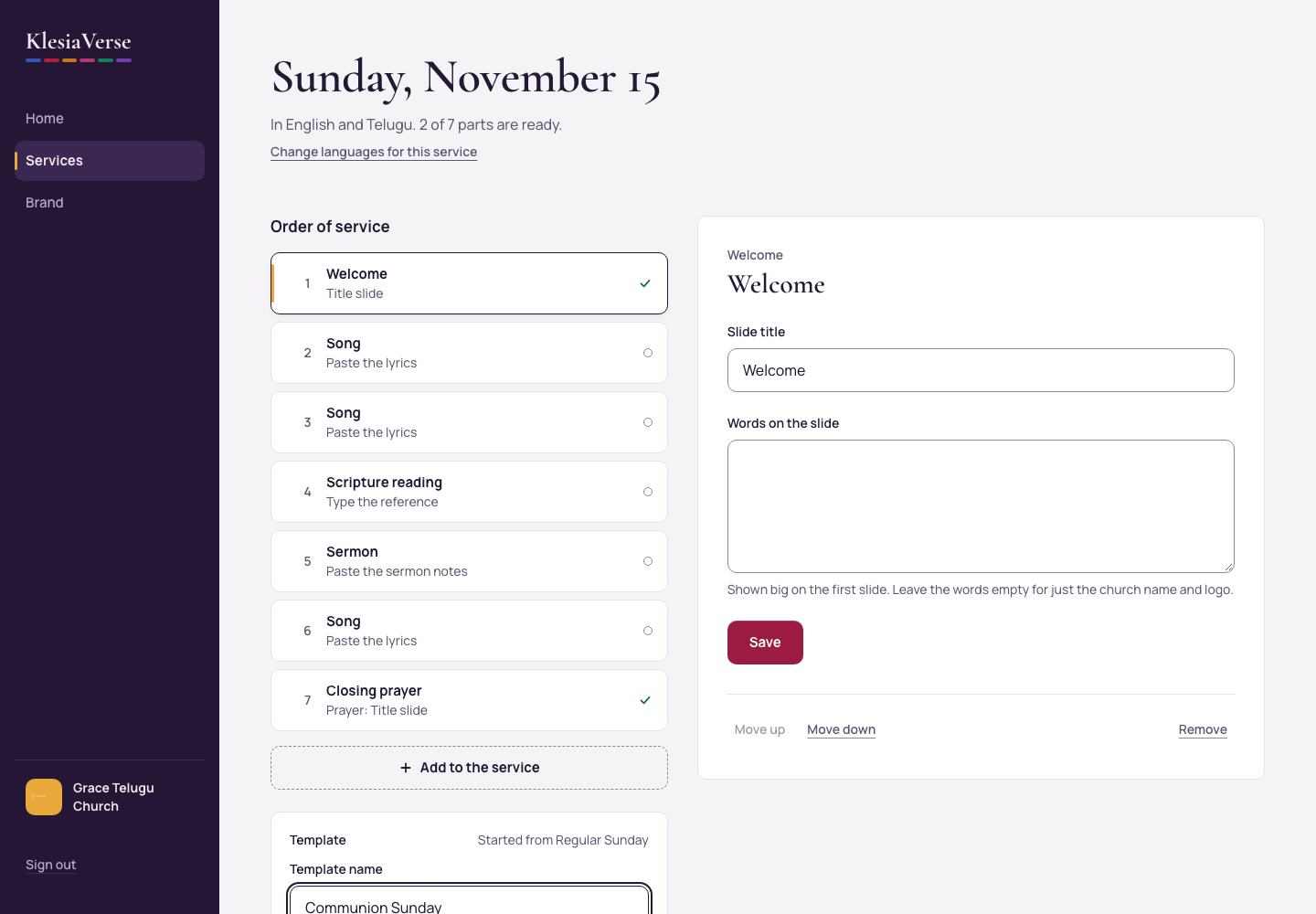
Open a service whose order you like.
In the Template box, choose Save this order as a template.
Type the Template name, for example “Regular Sunday”.
Tick Start every new Sunday with this order to make it the default.
Choose Save template.
To switch a service to another template, choose Switch to another template, choose the template and then Switch. Songs, readings and the sermon you’ve added stay.
Good to know
- Only the order is saved. Each week you add that week’s songs, readings and sermon.
- To change the default later, go to Services and choose Use for every new Sunday on another template.
Still stuck? Write to hello@khairotech.com and we’ll help.