Steps
Choose Services in the menu, then Start a sermon series.
Type the Series name.
Tick the box to confirm your church has the right to use the artwork, then choose Choose the artwork. A wide (16:9) image fills the screen best.
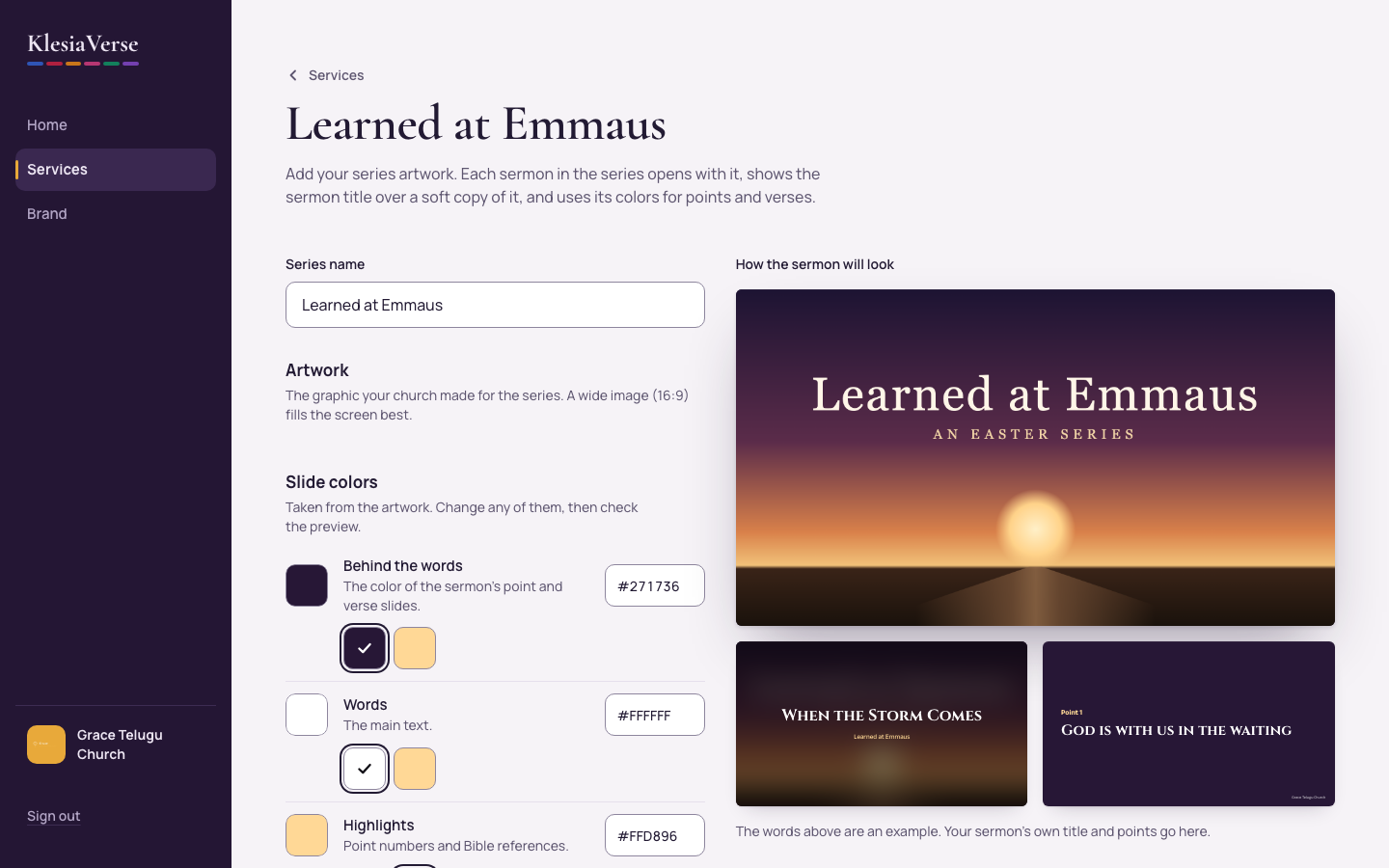
Under Slide colors, check the colors KlesiaVerse took from the artwork. Change any of them, and watch How the sermon will look.
Choose Start the series.
To add a service, open it and find Sermon series in the Slides box. Choose Change and pick the series.
Choose Make the slides again so the sermon opens with the artwork.
Good to know
- If the words are hard to read on a color, KlesiaVerse says so and suggests white or near-black words.
- To use different artwork, start a new series. The artwork of an existing series can’t be replaced yet.
Still stuck? Write to hello@khairotech.com and we’ll help.