Steps
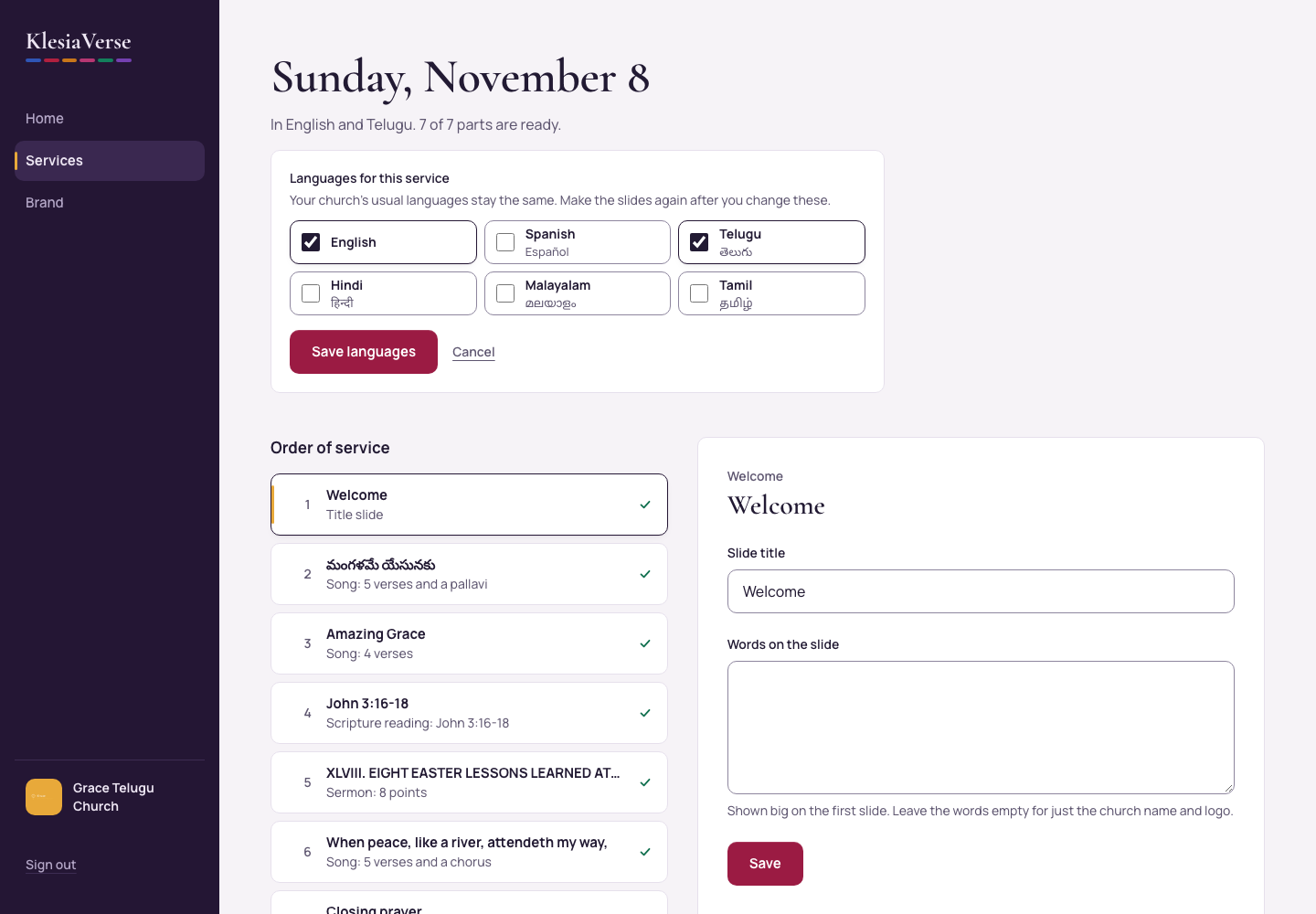
Open the service and choose Change languages for this service.
Tick the languages for this service.
Choose Save languages.
Choose Make the slides again so every slide uses the new languages.
Good to know
- To change your church’s usual languages, use the Brand page instead.
- Slides show up to three languages at once.
Still stuck? Write to hello@khairotech.com and we’ll help.