Steps
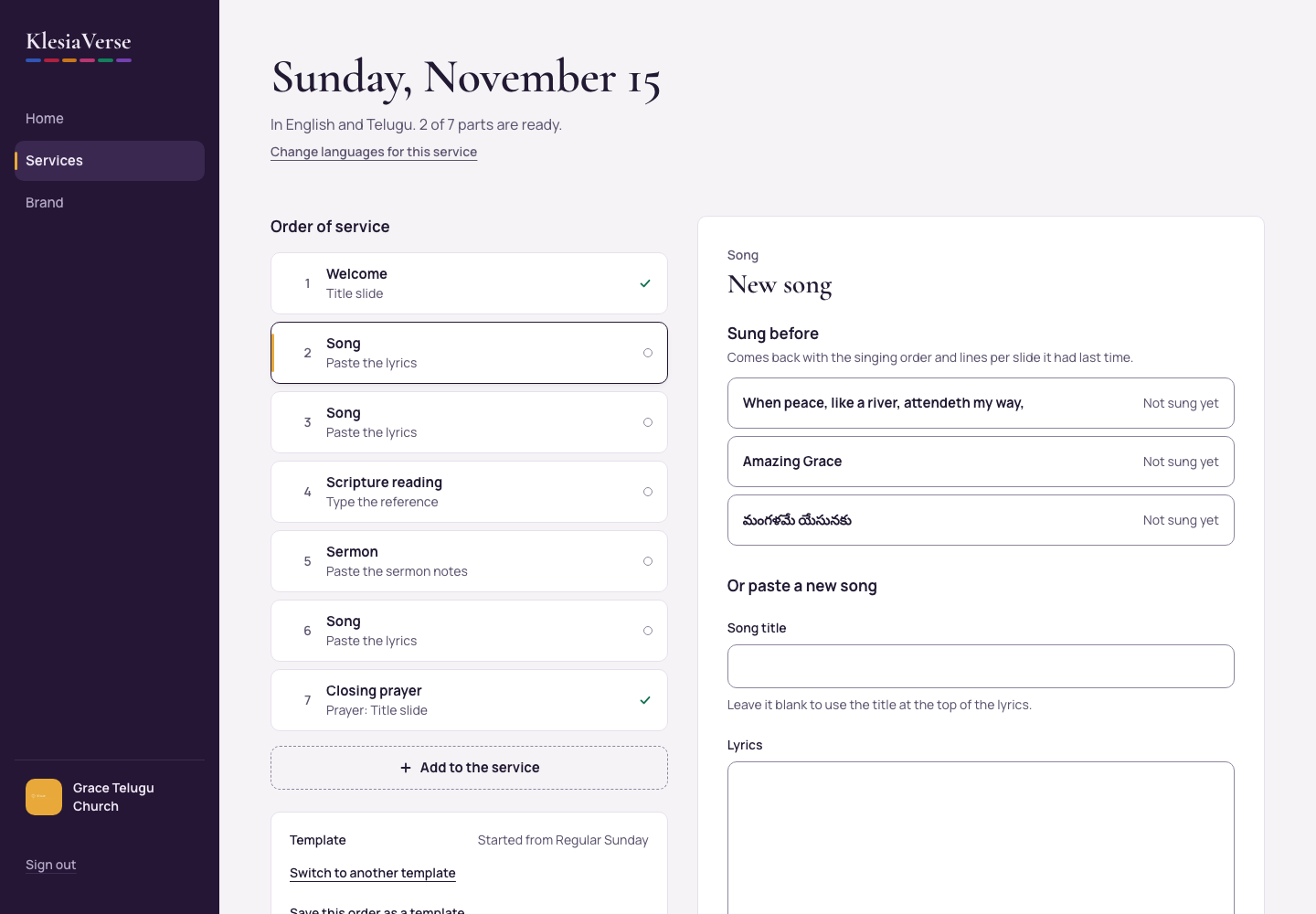
In the order of service, choose a Song that’s still empty.
Under Sung before, find the song. With more than six songs, type part of its name in Find a song.
Choose the song. It’s added with its singing order and lines per slide.
Good to know
- Each song shows when it was last sung, so you can avoid repeating one too soon.
- Not in the list? Paste it under Or paste a new song.
Still stuck? Write to hello@khairotech.com and we’ll help.