Steps
In the order of service, choose a Song.
Under Or paste a new song, type the Song title, or leave it blank to use the title at the top of the lyrics.
Paste the song into Lyrics as it is, with verse numbers and chorus marks.
Leave Sing the chorus after every verse when it is written only once ticked if that’s how your church sings it.
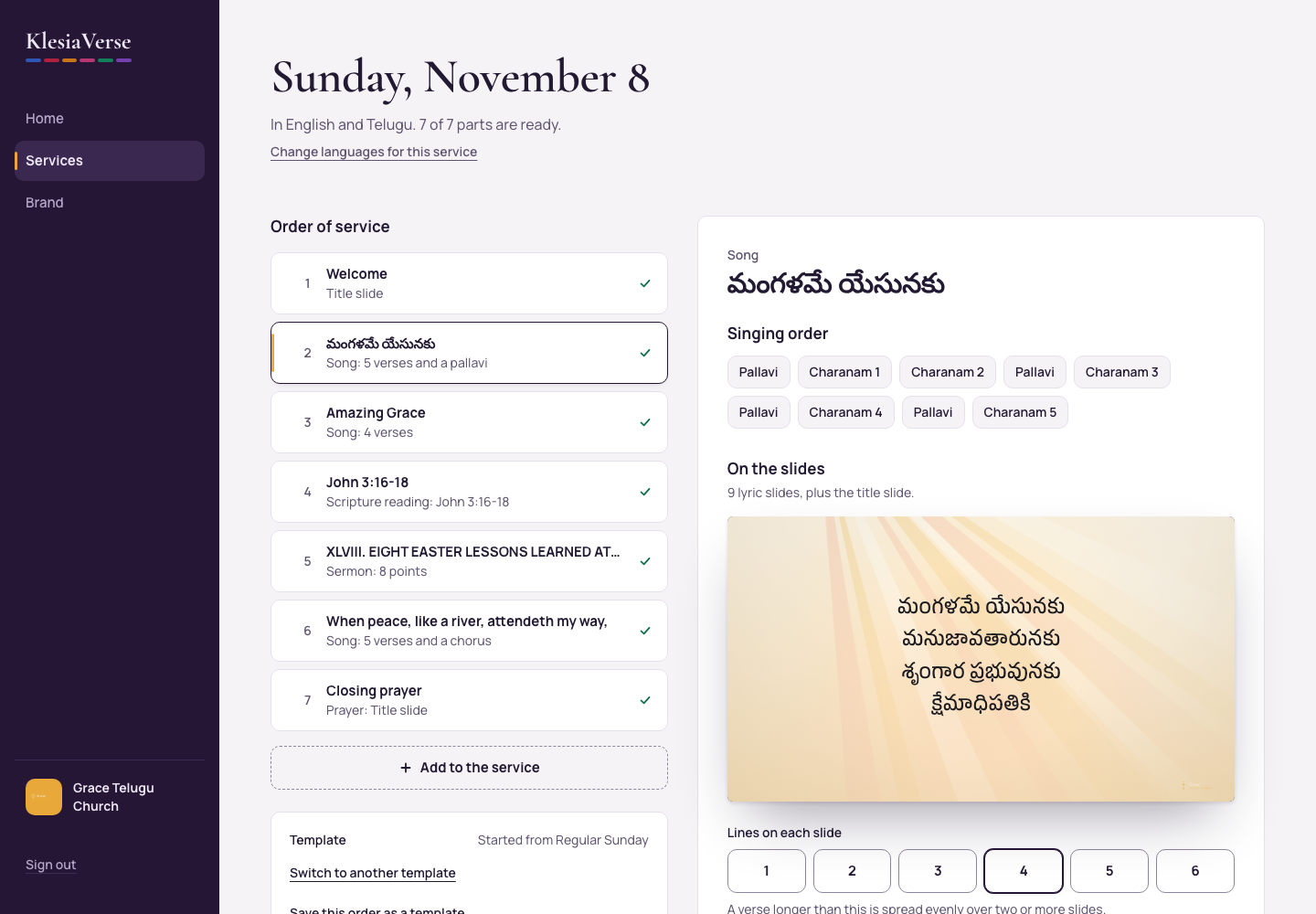
Choose Find the verses and chorus. Check the Singing order and the Verses and chorus it found.
Under Lines on each slide, choose 1 to 6.
Under Where the words sit, choose Middle, Top or Lower third (for livestreams). The preview shows the first slide.
Good to know
- KlesiaVerse never changes a word of what you paste, and a pasted line is never split across two lines.
- A verse longer than your lines per slide is spread evenly over two or more slides.
- To change the singing order, choose Paste the lyrics again and paste it the way you sing it.
- Paste only songs your church has the right to project, for example through a CCLI license.
Still stuck? Write to hello@khairotech.com and we’ll help.