Steps
In the service, find Background in the Slides box and choose Change.
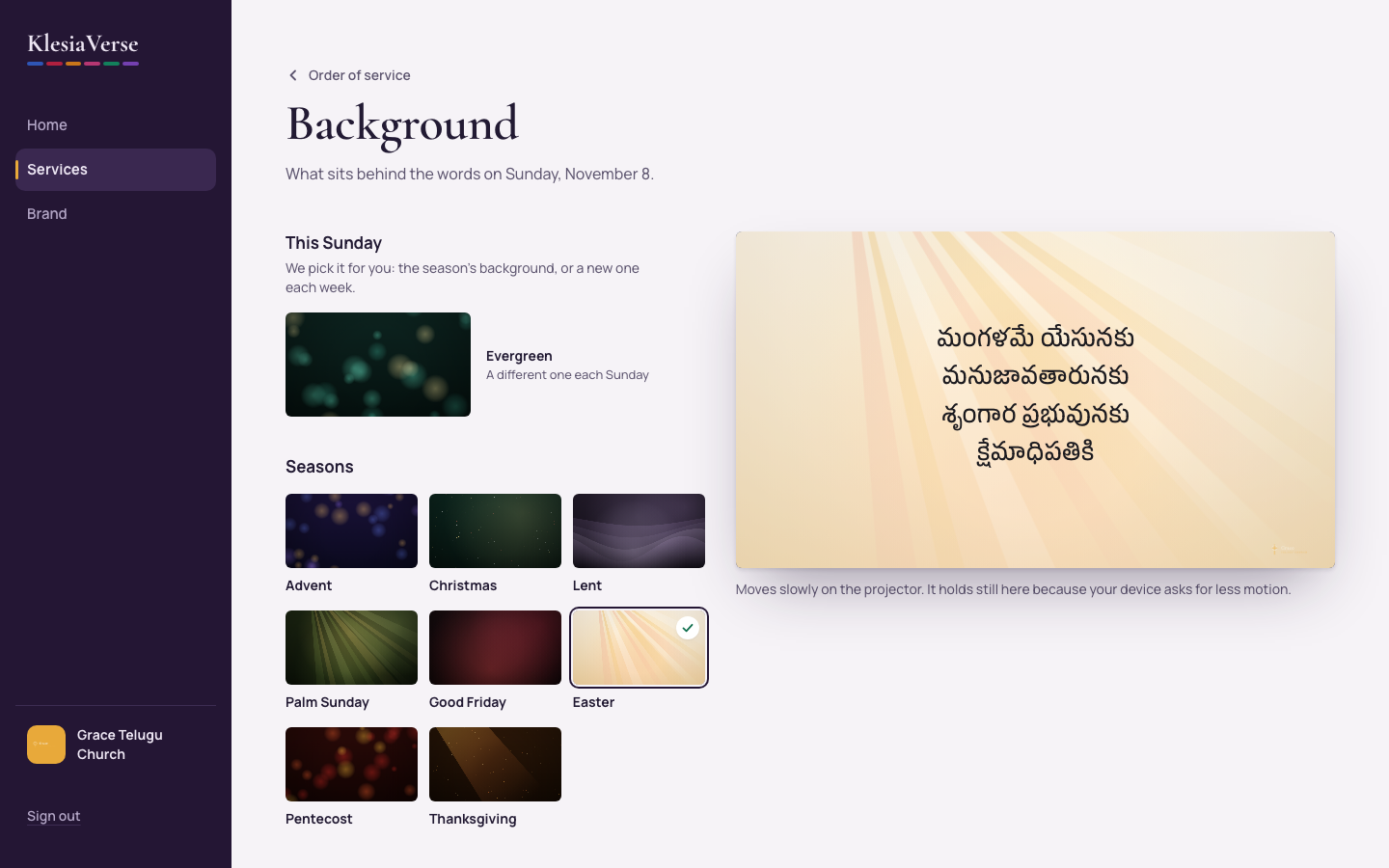
Choose This Sunday to let KlesiaVerse pick: the season’s own background, or a different one each week.
Or choose one from Seasons or Every week, or Brand color for a plain background.
To use your own, tick the box to confirm your church has the right to use it, then choose Upload an image or video.
Under Help the words stand out, choose None, Soft, Medium or Strong.
Tick Also use for new services if you want it every week, then choose Use this background.
Good to know
- There are 16 moving backgrounds: Advent, Christmas, Lent, Palm Sunday, Good Friday, Easter, Pentecost and Thanksgiving, plus Worship, Prayer, Communion, Baptism, Scripture, Grace, Dawn and Evergreen.
- The preview moves slowly, as it will on the projector. Use Pause to stop it.
- For videos, a 20 to 30 second loop at 1080p is plenty. Files must be smaller than 50 MB.
- Make the slides again to see a new background on every slide.
Still stuck? Write to hello@khairotech.com and we’ll help.